
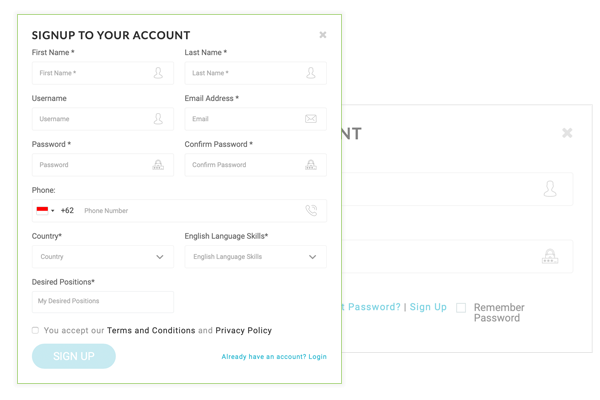
1: Register with us – Fill out all fills including your first name, last name, user name (to use for login in the future) your email address, strong and secure password, your phone number same as your WhatsApp, your country location, your English level and job positions that you want to apply for. Accept the Terms & Conditionals and click Sign Up button, then you are in.
2: User Dashboard – You will be landing on your dashboard, pay attention on the list of menu bars that you have to update your profile (My Profile, My Resume and CV Manager).
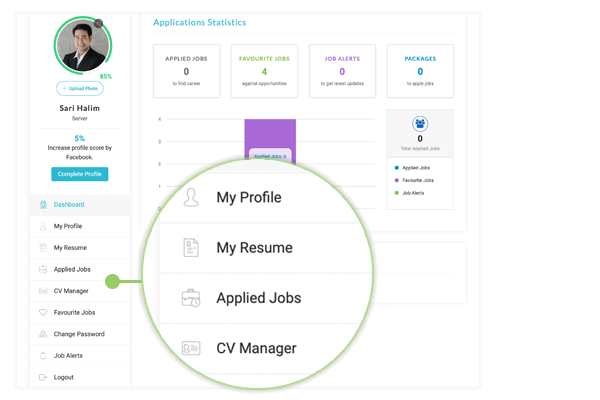
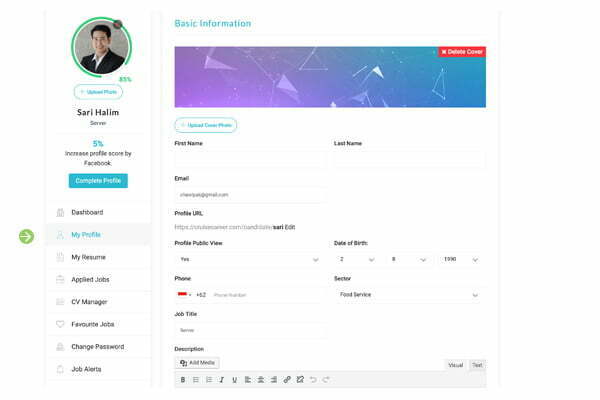
3: Update your profile – Click on “My Profile” on menu bar and fill out the info into each field and don’t forget to upload your photo to your profile. To be able to apply any positions, you have to complete your profile at least 65%
4: Add Video CV – This is very important to have because you will interview faster, just record short video 25 – 45 seconds introducing yourself, your work experiences and why you want to work on the cruise ship. As you have gmail email account you can upload your video to YouTube. Be sure select “unlisted” to prevent video visible to public, then copy the link of your video and paste into Video CV field in your profile.
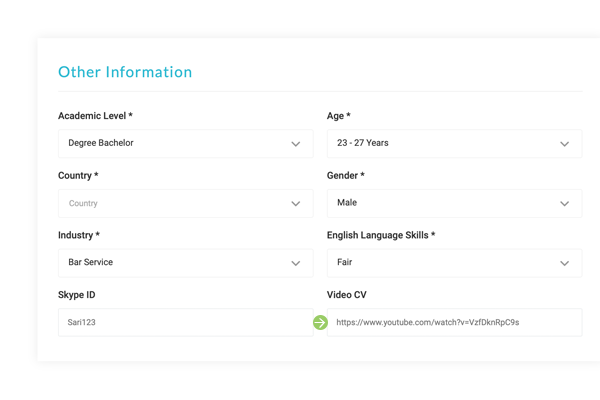

Upload your CV. The acceptance file format will be .pdf, .docx, jpg
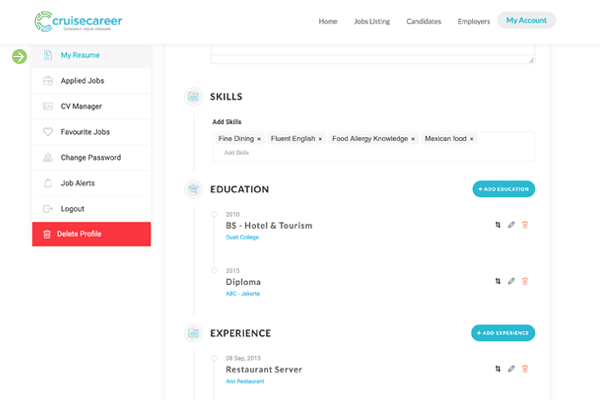
Create online resume add all education history, work experiences
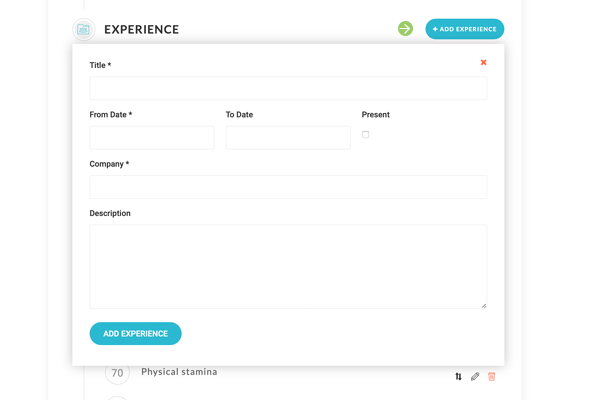
Update experiences
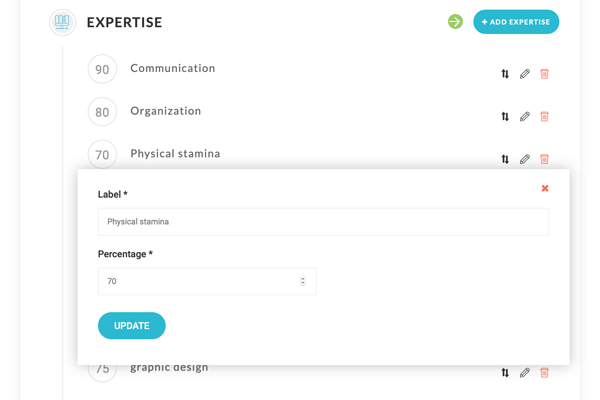
Add expertise
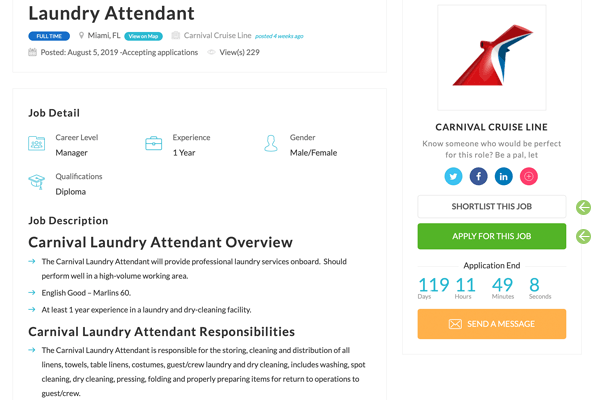
Apply for job that you are looking for